

Create and configure a test client
To test our example, we generate a test client, etest.1
Sign in to the Admin Web UI.
2
Go to User Management > User Permissions.
3
Create the new user, etest, and select More Settings to enter a password.
4
(Optional, for environments using auto-login profiles). Check Allow Auto-login for the user.
5
Select Save Settings and Update Running Server.
6
Finally, generate a server-locked profile. The profile will be stored in For generating an auto-login profile:
etest.ovpn:Shell
Shell
7
Copy these two files to the client machine:
- Client P12 file (
etest.p12) - Client profile (
etest.ovpn)
Install the profile and certificate in OpenVPN Connect v3
1
Launch OpenVPN Connect v3.
2
Import the connection profile,
etest.ovpn.3
Select Menu > Certificate & Tokens.
4
Under PKCS#12, select the Add icon.
5
Select your client P12 file (
etest.p12)6
Enter the password for this file that you previously configured and select OK.
7
Go back to the Home.
8
Select Menu > My Profiles.
9
Select the Edit icon for the profile.
10
Under Certificate and Key, select Assign.
11
Select the digital certificate file and select Confirm.
12
Save the changes.
13
Select Connect.
Simplified ePKI client configuration (Access Server 2.14.2 and later)
With the release of Access Server 2.14.2, we’ve made configuring client connection profiles for ePKI easier. Previously, creating these profiles required using the command line, as noted in the tutorial. However, in version 2.14.2 and later, you can now create and manage ePKI client connection profiles directly from Access Server’s Client Web UI. There are two types of ePKI profiles available:-
Generic ePKI profile:
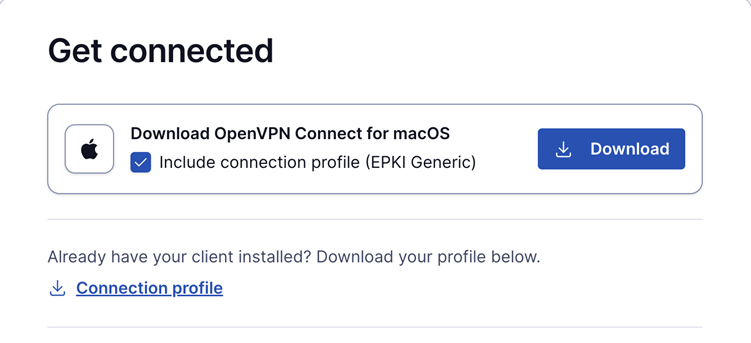
- This profile requires the user to authenticate with a password when connecting.
- Ideal for environments where a password-based security layer is needed in addition to certificate-based authentication.
-
Auto-login ePKI profile:
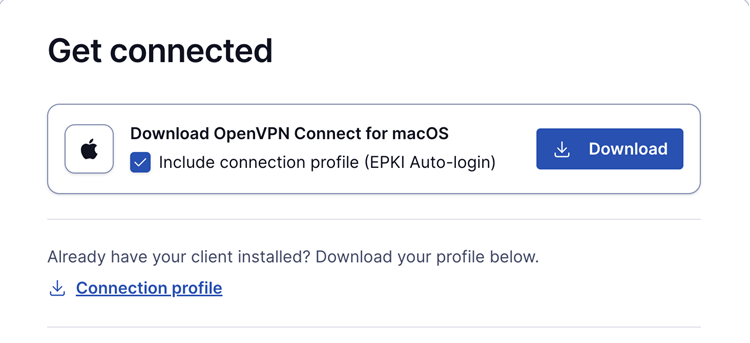
- This profile automatically uses the certificate for authentication without requiring a password.
- Suitable for unattended devices or systems where automatic, certificate-based login is needed.